Save your best text snippets for account openings, document requests, funding instructions, and client updates — and insert them so every email you send sounds clear, consistent, and professional.
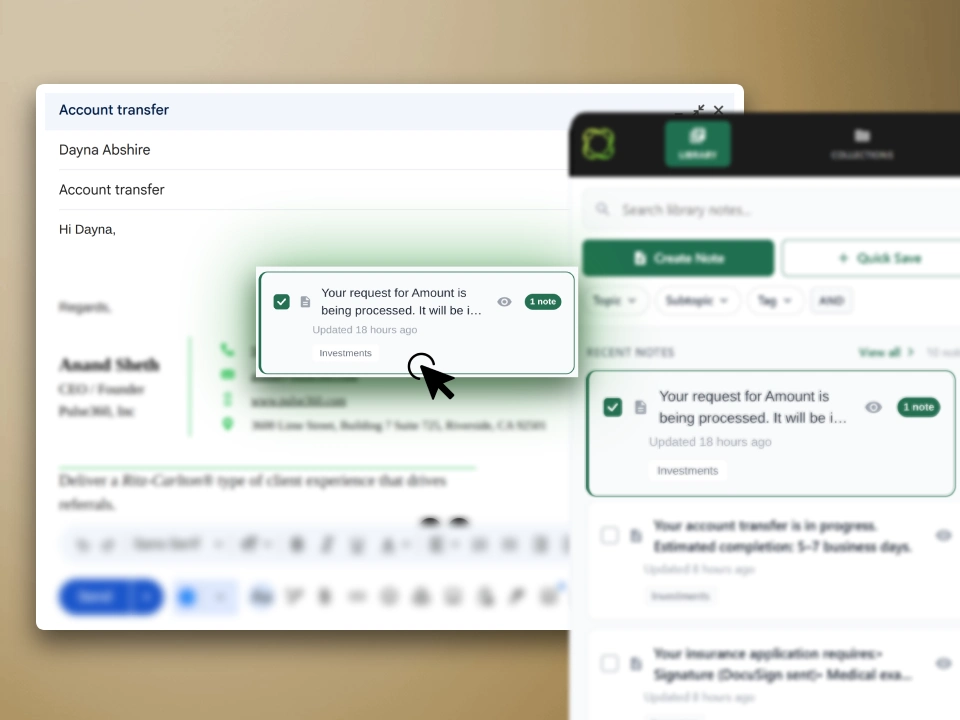
A smarter snippet library with dynamic fields, visual browsing, and team sync — built into your browser.
Browse and search your library from the side panel without leaving your tab.
Works in Gmail, Outlook, Google Docs, ChatGPT, Notion, and any web editor.
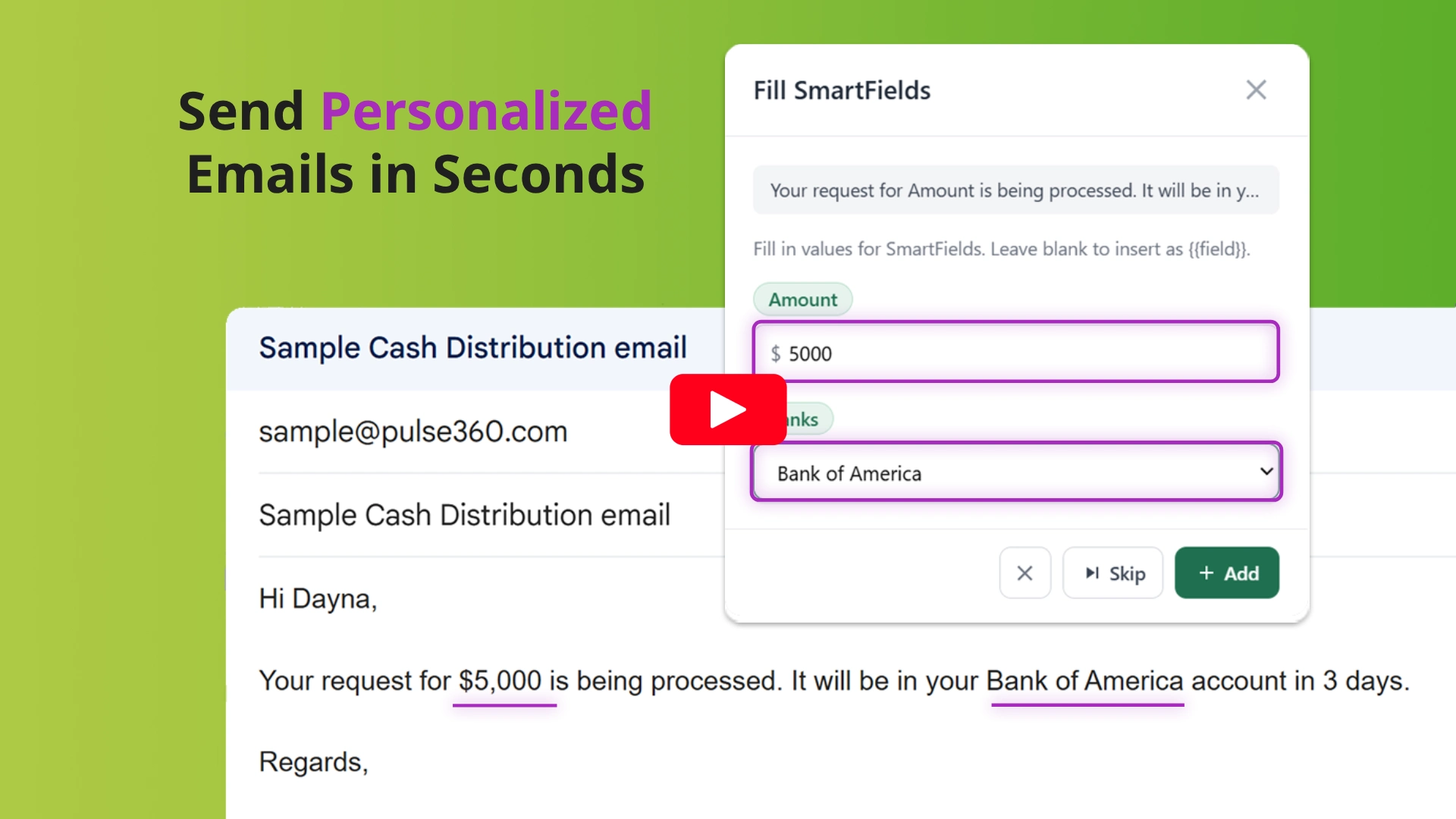
Fill in names, dates, dollar amounts, and dropdown selections before inserting — content arrives ready to send.
Highlight text anywhere and right-click to save it as a snippet to your library.
Drag snippets from the side panel directly into any text field — no clicks needed.
Collections, topics, and tags keep your library clean and searchable.
Store and reuse your best AI prompts across ChatGPT, Claude, and other tools.
Shared library managed through Pulse360. Everyone gets the latest content, no extra login.
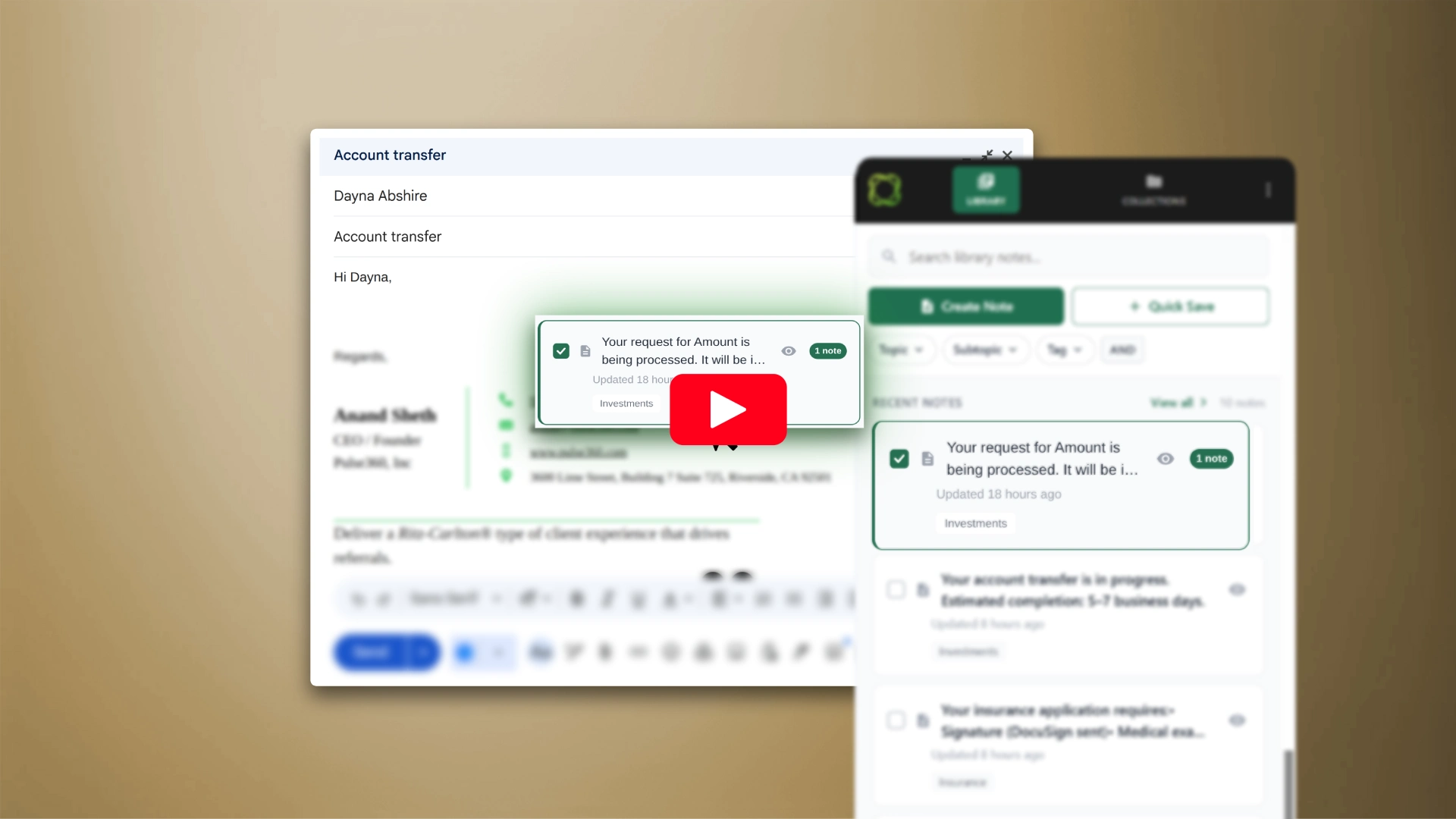
Two short videos that show exactly how Pulse360 Library saves your team time every day.
Sign up, install, connect — your library is ready.
Create your Pulse360 account. We'll set up your workspace and email you the details.
Add the extension from the Chrome Web Store, then sign in to Pulse360 to establish a secure connection.
Your library loads in the side panel. Click to insert, drag and drop, or fill SmartFields first — done.
Most text expanders were built for speed, not security. Pulse360 Library was built for professionals who can't afford to take chances with client data.
TLS in transit, AES-256 at rest. Your snippets never travel unprotected.
Lives in its own sandboxed panel. Only touches the page when you save or insert — no background activity.
Role-based permissions through Pulse360. Only your team sees your library.
We don't analyze, sell, or share your content. Your data exists to serve your team — nothing else.
Financial advisors, law firms, accountants, and compliance teams — one library for every repeated message.
Templates with SmartFields for client names, account details, and dollar amounts. Consistent, compliant, and personalized every time.
Store, organize, and reuse prompts across ChatGPT, Claude, and other tools — without your prompt library living inside a third-party keystroke tracker.
Approved disclosures, regulatory language, and standard procedures your whole team can insert consistently — managed centrally, always up to date.
Personalized scripts with dynamic fields for prospects and clients. Every team member sounds on-brand without rewriting from scratch.
No per-seat pricing. One flat rate covers your whole team.
Lock in $20/mo forever · 14-day free trial
Lock in $39/mo forever · 14-day free trial
Stop rewriting the same emails, prompts, and messages. Build a snippet library your whole team can trust.
Get Started Pulse360 Library